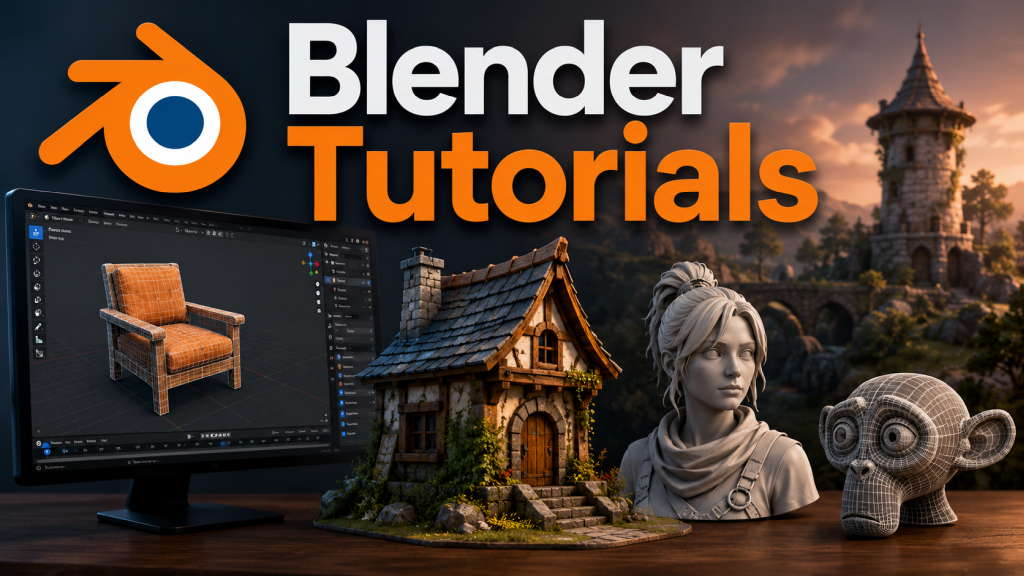
Blender is one of the most valuable tools available to OpenSim content creators. Completely free and open source, it provides everything needed to prepare 3D models for use within OpenSim, whether they have been created from scratch, generated by AI platforms such as Meshy, or downloaded from other legitimate sources.
Although many 3D applications can export models in formats such as FBX, OBJ or GLB, OpenSim requires mesh objects to be uploaded in the Collada (.dae) format. Blender makes this process straightforward while also providing powerful tools to optimise models before they are imported into your virtual world.
Before exporting, creators can remove unnecessary geometry, reduce polygon counts, correct normals, unwrap or adjust textures, create custom physics shapes and generate Levels of Detail (LODs). These optimisation steps are important because efficient models reduce rendering time, improve viewer performance and help minimise lag for visitors exploring your region.
Once the model has been prepared, Blender allows it to be exported using the Collada (.dae) export option. The resulting file can then be uploaded into OpenSim using compatible viewers such as Firestorm, where textures and physics settings can be finalised during the upload process.
For anyone serious about building in OpenSim, learning the basics of Blender is well worth the effort. Even a basic understanding of importing models, making simple adjustments and exporting to Collada will greatly improve the quality and performance of your virtual creations. Whether you are designing furniture, vehicles, buildings, landscaping features or AI-generated objects, Blender has become an essential part of the OpenSim content creation workflow, transforming models into assets that are ready to bring virtual worlds to life.











Leave a Reply